Newtons Sandbox Newton's Sandbox Plot Building Guide
Raise object limits, manage plot saves, and build fling setups that actually teach physics.
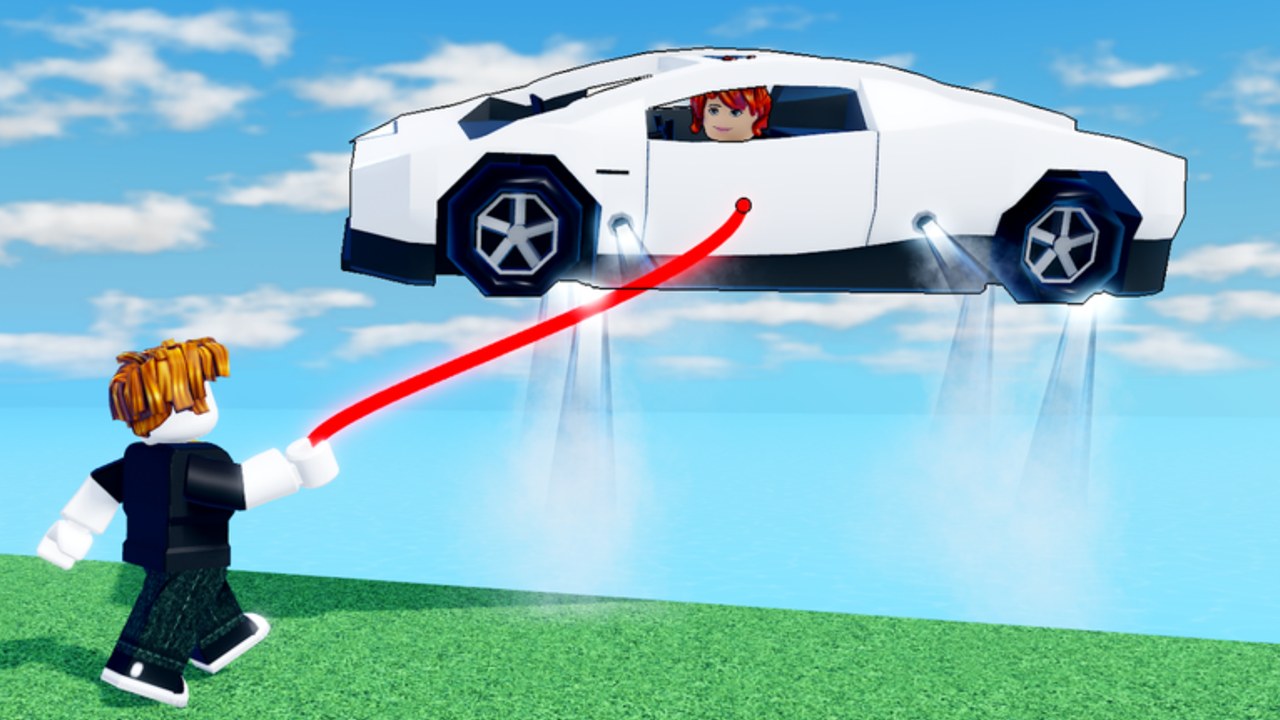
Plots are laboratories, not only decoration
Newton’s Sandbox gives you more than a public island brawl. Plots let you place objects, iterate layouts, and stage the exact physics problems you want to solve — launch corridors, prop golf ranges, escape drills, or Frutiger-flavored showpieces. This guide covers object limits, save slots, the relevant Game Passes, and how to build for fling practice instead of pure cosmetics.
If you still fumble the Grabline, skim Grabline controls first. Building multiplies skill; it does not replace it.
Core constraints you will hit
Every builder eventually meets the same walls:
- Object limit — a hard cap on how many placeable parts / toys can exist on your plot.
- Plot saves — a limited number of stored layouts you can reload later.
- Server noise — public servers with up to 28 players will interact with anything you leave unattended.
- Coin cost — some placeables or unlocks may burn soft currency; track grind routes on coins.
Creative Conceptualists can retune caps after patches. Confirm live numbers in-experience and watch updates.
Object limits — plan before you spam props
Hitting the object ceiling mid-masterpiece is miserable. Work in layers:
Layer A — Structure (spend budget carefully)
Floors, ramps, walls, and shoreline lips. These define routes. Prefer fewer large pieces over dozens of tiny plates that burn the cap.
Layer B — Interactive toys
Bounce pads, spinners, cannons, and weighted props that teach fling routes. One reliable launcher beats eight overlapping gimmicks. Study public island machines in map contraptions before inventing worse copies.
Layer C — Cosmetics
Signs, color spam, pure aesthetic props. Add these last. Cosmetics are what you delete when you need five more functional crates.
Budget mindset
| Build goal | Object priority |
|---|---|
| Fling practice range | Medium props + clear dump lane + soft wall |
| Escape drill room | Flat inland floor + one edge lip + buffer toys |
| Screenshot lobby | Cosmetics first (accept lower training value) |
| Friend free-for-all arena | Symmetry, multiple mid props, no instant void funnels |
When the cap blocks you, either delete cosmetics or buy Extra Object Limit (see below).
Plot saves — treat slots like commits
Extra Plot Saves exists because one slot is never enough once you iterate.
Recommended save hygiene:
- Save before every risky redesign. Undoing a bad delete with muscle memory fails.
- Keep one stable arena save you never overwrite casually.
- Keep one experimental save for wild ideas.
- Keep one minimal drill save (prop golf only) for warm-ups from Getting Started.
- Name layouts mentally:
arena-v3,escape-box,cosmetic-show— even if the UI only shows slots.
If you constantly overwrite your only good arena, the 79 R$ Extra Plot Saves pass is cheaper than your frustration.
Game Passes that matter for builders
Full buyer context lives on game passes. Builder-relevant actives as of November 2026:
| Pass | Price | Builder role |
|---|---|---|
| EXTRA OBJECT LIMIT | 179 R$ | Raises how many objects you can place — first serious purchase for builders |
| EXTRA PLOT SAVES | 79 R$ | More layout slots for A/B tests |
| EXTRA COINS | 159 R$ | Speeds soft-currency if placeables / shop items cost coins |
| PRIVATE SERVER PANEL | 699 R$ | Host utilities for quiet test lobbies |
| BEAM BUNDLE | 79 R$ | Mostly beam cosmetics — optional flair while you build |
Combat passes FARTHER REACH, MORE STRENGTH, and ESCAPE FASTER went off-sale around 2026-10-25. They are not building tools. Do not buy rumors; verify Store text yourself.
Suggested purchase order for creators
- Extra Object Limit
- Extra Plot Saves
- Extra Coins (only if the shop gates your props)
- Private Server Panel (when friend practice becomes weekly)
- Beam Bundle (want, not need)
Building for fling setups vs cosmetics
Fling setup principles
- One clear dump direction. Ambiguous arenas teach bad releases.
- Medium-density props as bats and buffers — same logic as the tier list.
- Inland recovery space after a throw so learners can practice escape struggle without instant void.
- No hidden rebound corners unless you are specifically drilling anti-bounce reads from fling techniques.
- Symmetry for fair friend spars; asymmetry for creative showcases.
Cosmetic principles
- Color and Frutiger Aero vibes are welcome — Newton’s Sandbox leans into that aesthetic — but park them on walls that do not steal object budget from functional toys.
- Avoid placing fragile deco in the primary swing lane; teammates will annihilate it in seconds.
- Screenshot plots can disable training goals; keep a separate save for beauty.
Hybrid plots
Many creators want both. Use a training core in the center and a cosmetic ring outside the swing radius. When the object limit bites, trim the ring first.
Private servers — the best building classroom
Public 28-player lobbies are great for chaos testing and terrible for careful measurement.
Use a private server when you need to:
- Measure release arcs without third parties
- Line up escape struggle drills with friends
- Film tutorials without random beam grief
- Stress-test a contraption at full object count
Standard private server access is enough for most creators. The Private Server Panel pass (699 R$) is for hosts who want extra panel controls — details and value notes on game passes. Either way, practice rooms teach faster than tilting in a full public server.
Workflow: from empty plot to useful arena (30 minutes)
- Minutes 0–5: Lay a simple rectangular floor and mark one void-facing dump edge.
- Minutes 5–10: Place eight medium props in two piles (ammo left, ammo right).
- Minutes 10–15: Add one bounce or ramp inspired by map contraptions.
- Minutes 15–20: Run ten prop-golf throws; delete anything that blocks the lane.
- Minutes 20–25: Invite one friend for grab/escape reps from escape struggle.
- Minutes 25–30: Save the layout. Only then add cosmetics if object budget remains.
Repeat tomorrow on a new save slot instead of nuking yesterday’s arena.
Coins, codes, and economy touches
- Soft currency help: coins tool.
- Promo strings: codes — none verified for free passes yet as of November 2026.
- Do not expect codes to replace Extra Object Limit; budget Robux intentionally if building is your main mode.
Common plot mistakes
- Filling the object cap with deco before any launcher works
- Overwriting your only good save with a half-finished experiment
- Building instant void funnels that teach nothing but salt
- Testing exclusively in public 28-player chaos
- Ignoring inland recovery space so every drill ends in a swim
- Buying Beam Bundle before Extra Object Limit and wondering why builds still feel tiny
Related reading
- Game passes — full Robux list and off-sale warnings
- Map contraptions — island machines worth copying carefully
- Coins — grind beside Extra Coins
- Fling techniques — what your arena should teach
- Guides Hub — learning path order
A good plot is a silent coach. Keep the object budget honest, save often, and let Newton’s Sandbox physics do the punchline.
Frequently Asked Questions
Quick answers to the most common questions.
What does Extra Object Limit do in Newton's Sandbox?
It raises how many objects you can place on a plot. It is the first pass most serious builders should consider after they hit the default cap.
Is Extra Plot Saves worth 79 Robux?
Yes if you iterate layouts often. Keeping a stable arena save plus an experimental save prevents accidental overwrites.
Should I build fling setups or cosmetics first?
Build a functional training core first, then add cosmetics outside the swing lane. Delete deco first when you hit the object limit.
Do I need Private Server Panel to practice building?
No. A normal private server is enough for most drills. The 699 R$ panel is optional host tooling for frequent lobby managers.